
How to Optimize Your Google Business Profile (And Get More Calls)
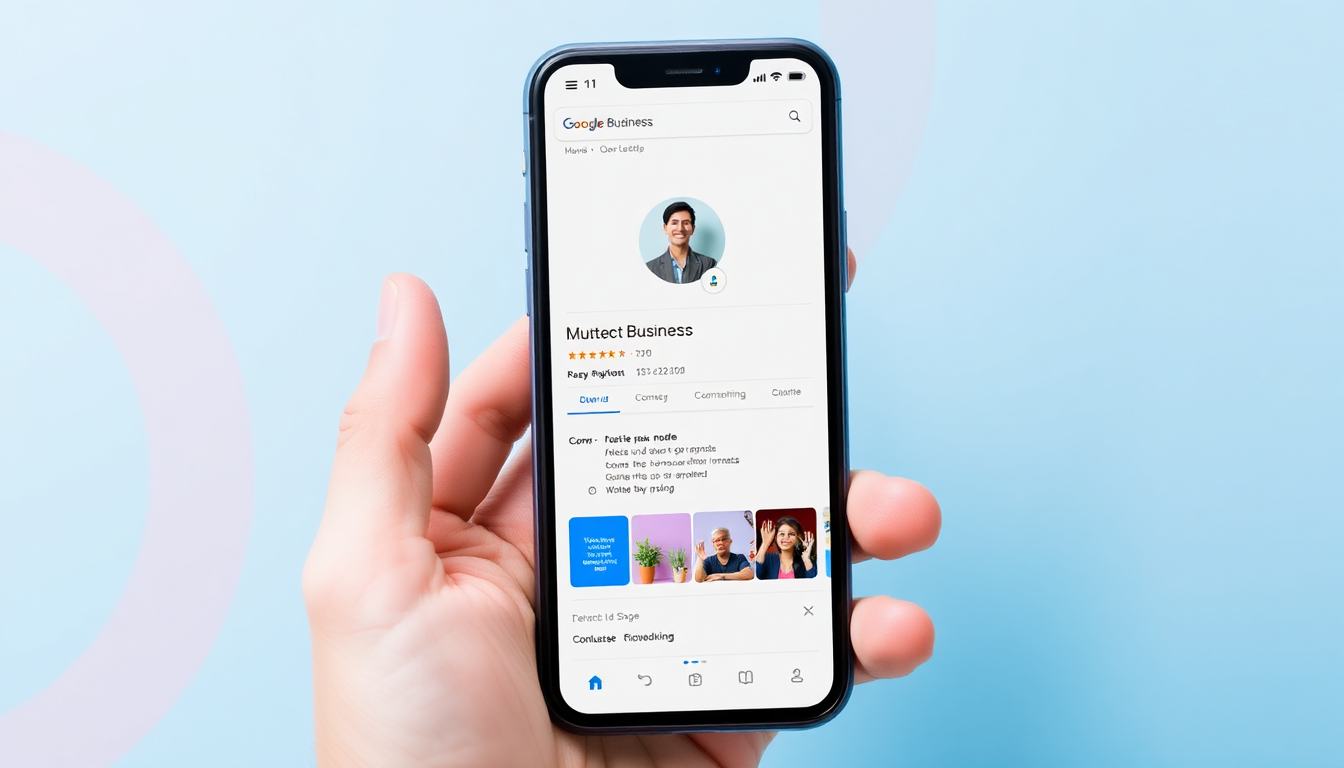
When someone searches:
- “plumber near me”
- “electrician [city]”
- “contractor open now”
They don’t click websites first.
They click what shows up at the top:
Google Business Profiles (Google Maps results).
If you’re not there — or not optimized — you’re invisible.
---Why Your Google Business Profile Matters
Your Google profile is often:
- your first impression
- your main lead source
- your shortcut to calls
And the best part?
It’s free traffic.
👉 Learn how it connects to your website: Local SEO guide
---Step 1: Claim and Verify Your Profile
If you haven’t claimed your listing, do it now.
Go to Google Business and verify your business.
Important:
- use real business info
- avoid fake addresses
- set service area if needed
Step 2: Complete 100% of Your Profile
Most businesses stop at 50%.
This is where you beat them.
Fill everything:
- name
- phone
- website
- hours
- services
- description
Complete profiles rank higher. Period.
---Step 3: Choose the Right Category
This is one of the most important ranking factors.
Bad:
- Contractor
Better:
- Electrician
- Plumber
- Roofing Contractor
Add secondary categories too.
---Step 4: Add Photos (This Is Huge)
Businesses with photos get more clicks.
For contractors, this is your advantage.
Add:
- before / after jobs
- team photos
- projects
This builds instant trust.
---Step 5: Get More Reviews
Reviews = rankings + trust.
No reviews = no calls.
Simple strategy:
- ask every happy client
- send link by SMS
- make it easy
More reviews = more visibility.
---Step 6: Respond to Reviews
Google looks at activity.
If you reply → you rank better.
If you ignore → you stagnate.
---Step 7: Add Services and Keywords
List your services clearly.
Example:
- panel upgrades
- emergency repair
- residential wiring
This helps Google understand what you do.
---Step 8: Post Regular Updates
Most people ignore this.
That’s your opportunity.
Post weekly:
- projects
- before/after
- offers
Step 9: Connect It to Your Website
Your Google profile + website must work together.
If your website is weak, it limits your results.
👉 See why contractors lose leads: Why contractors lose customers
---The Truth Most Contractors Miss
Your Google profile doesn’t work alone.
It works with:
- your website
- your reviews
- your activity
Fix all 3 → you win.
---Want more calls from Google?
We optimize your website and profile to generate real leads.
FAQ
How long does it take to rank on Google Maps?
It can take a few weeks to a few months depending on competition.
Do reviews really matter?
Yes. They are one of the biggest ranking factors.
Can I rank without a website?
Yes, but you’ll get much better results with one.